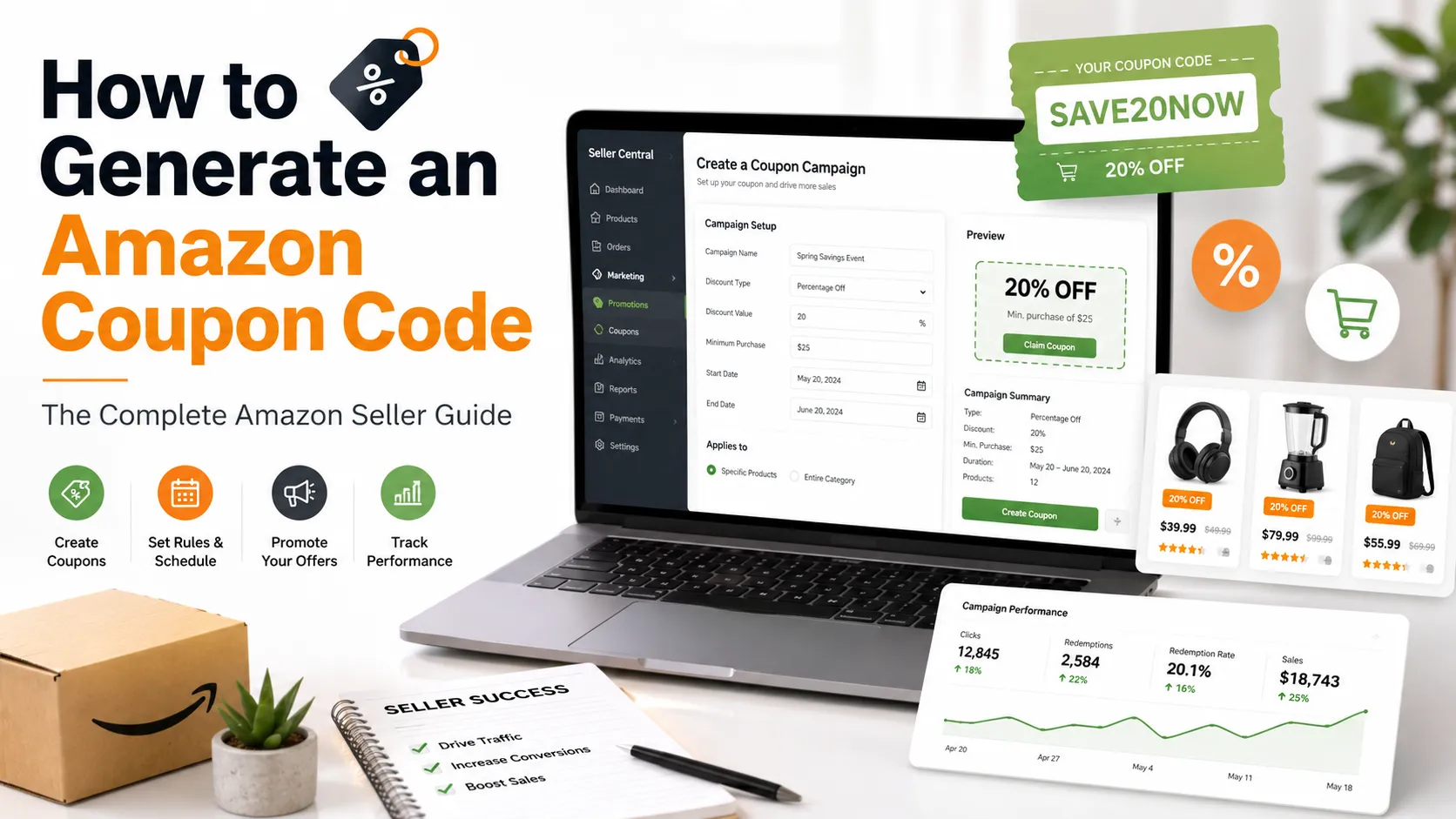
Quick Answer: Sign in to Amazon Seller Central, open the Promotions or Coupons tool, select eligible products, set your discount, choose your campaign rules, and publish the promotion after Amazon reviews it.
Amazon coupon codes can help sellers attract new customers, improve conversion rates, and encourage repeat purchases. However, many people search for "how to generate Amazon coupon code" without realizing that only eligible Amazon sellers can create official coupon campaigns through Amazon Seller Central.
This guide explains the complete process and best practices based on Amazon's seller tools and policies.
What Are Amazon Coupons?
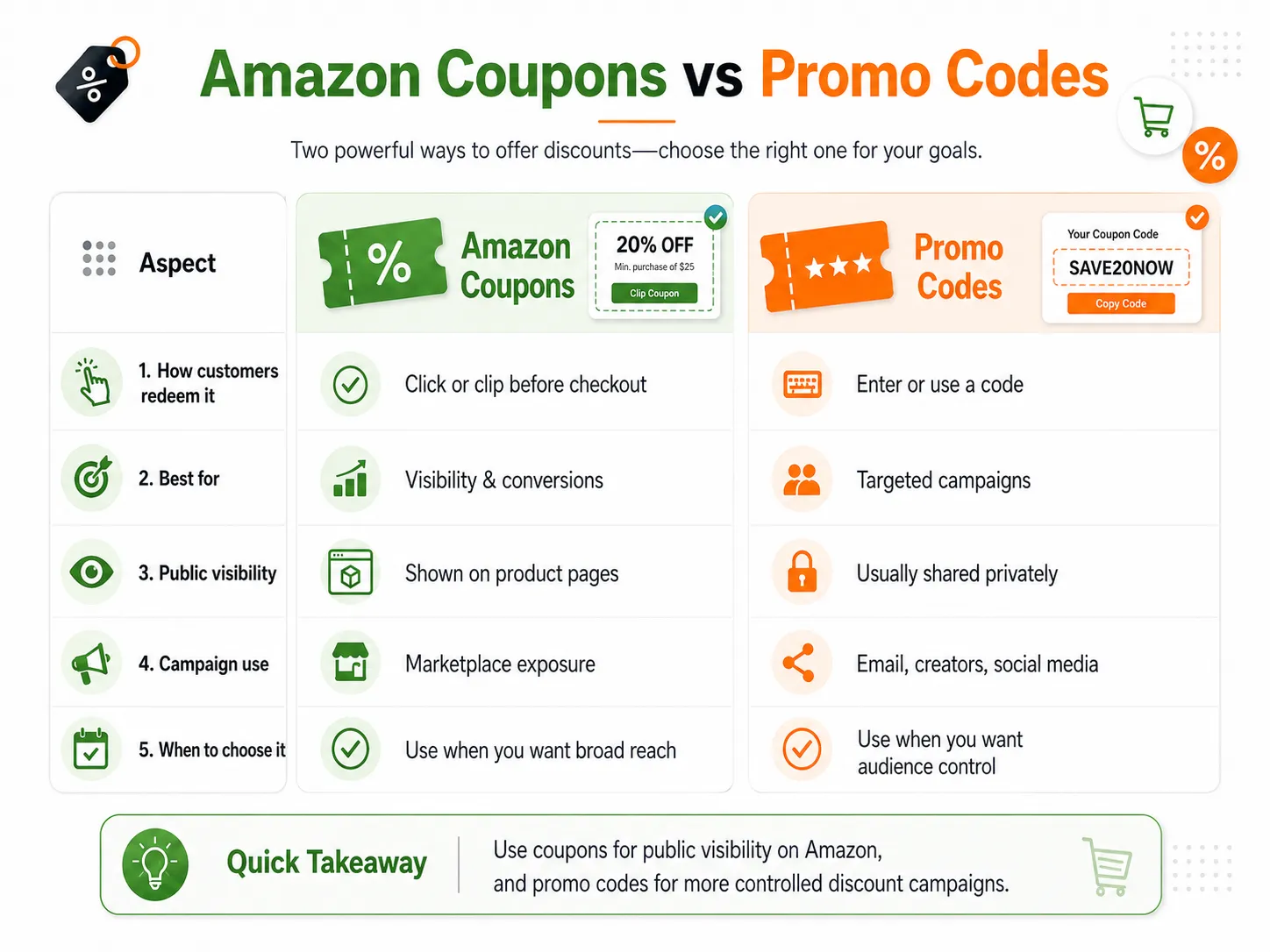
Amazon Coupons are clickable discounts displayed directly on eligible product pages and within Amazon's coupon marketplace. Customers simply select the coupon before completing their purchase, and the discount is applied automatically during checkout.
These promotions often appear with the recognizable green coupon badge, making products more noticeable in search results and on product detail pages.
Amazon Coupons are commonly used to:
- Increase product visibility
- Improve click-through rates
- Encourage first-time purchases
- Promote seasonal offers
- Support new product launches
Amazon Promotion Types at a Glance
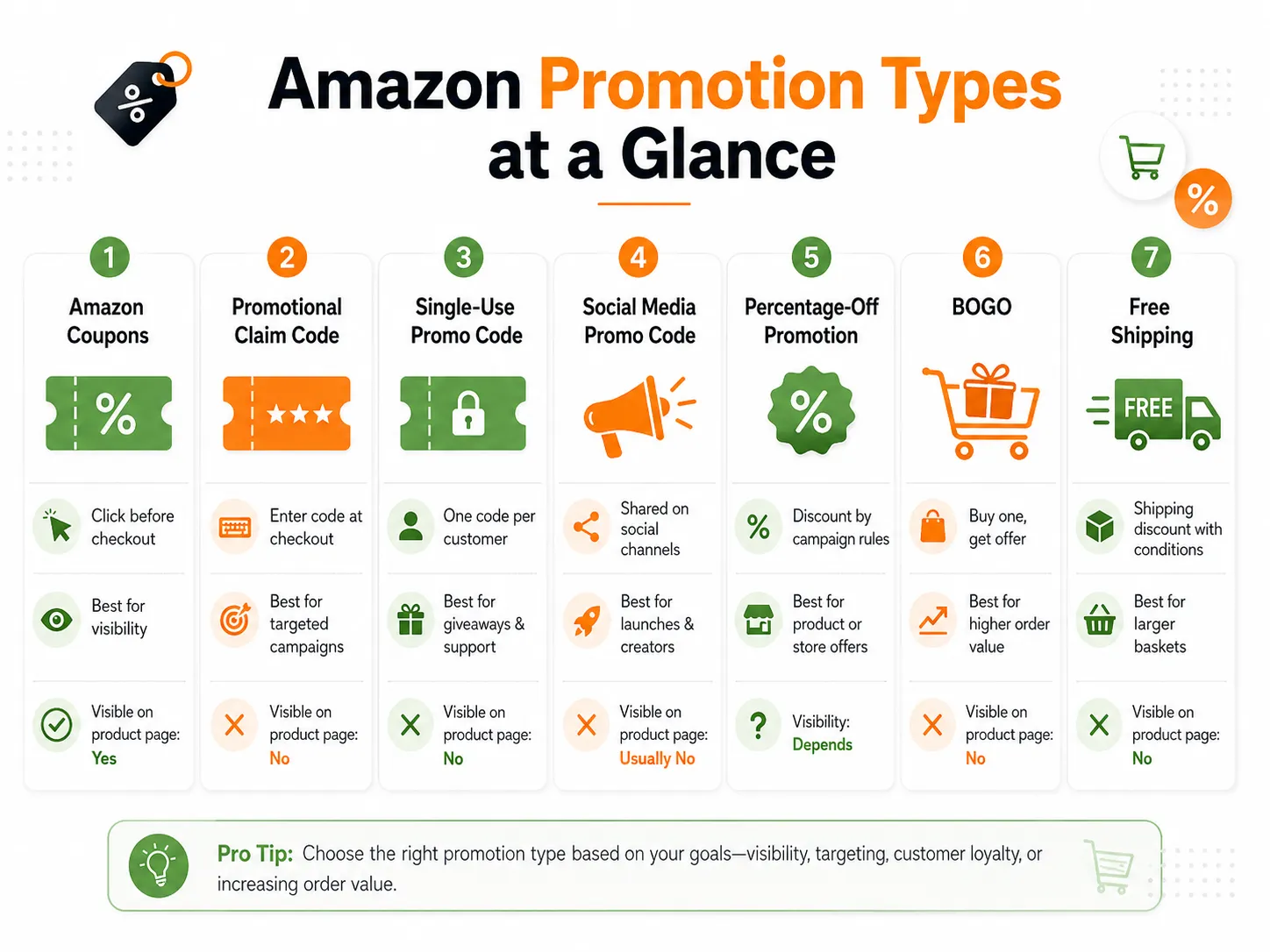
| Promotion Type | How Customers Redeem It | Best For | Visible on Product Page |
|---|---|---|---|
| Amazon Coupons | Customers click the coupon before checkout | Increasing product visibility and conversions | Yes |
| Promotional Claim Code | Customer enters a code during checkout | Targeted campaigns and exclusive offers | No |
| Single-Use Promo Code | Each code works once | Influencer campaigns, customer support | No |
| Social Media Promo Code | Shared through social platforms | Social media marketing and product launches | Usually No |
| Percentage-Off Promotion | Applied according to campaign rules | Store-wide or product-specific discounts | Depends on setup |
How to Generate Amazon Coupon Codes?
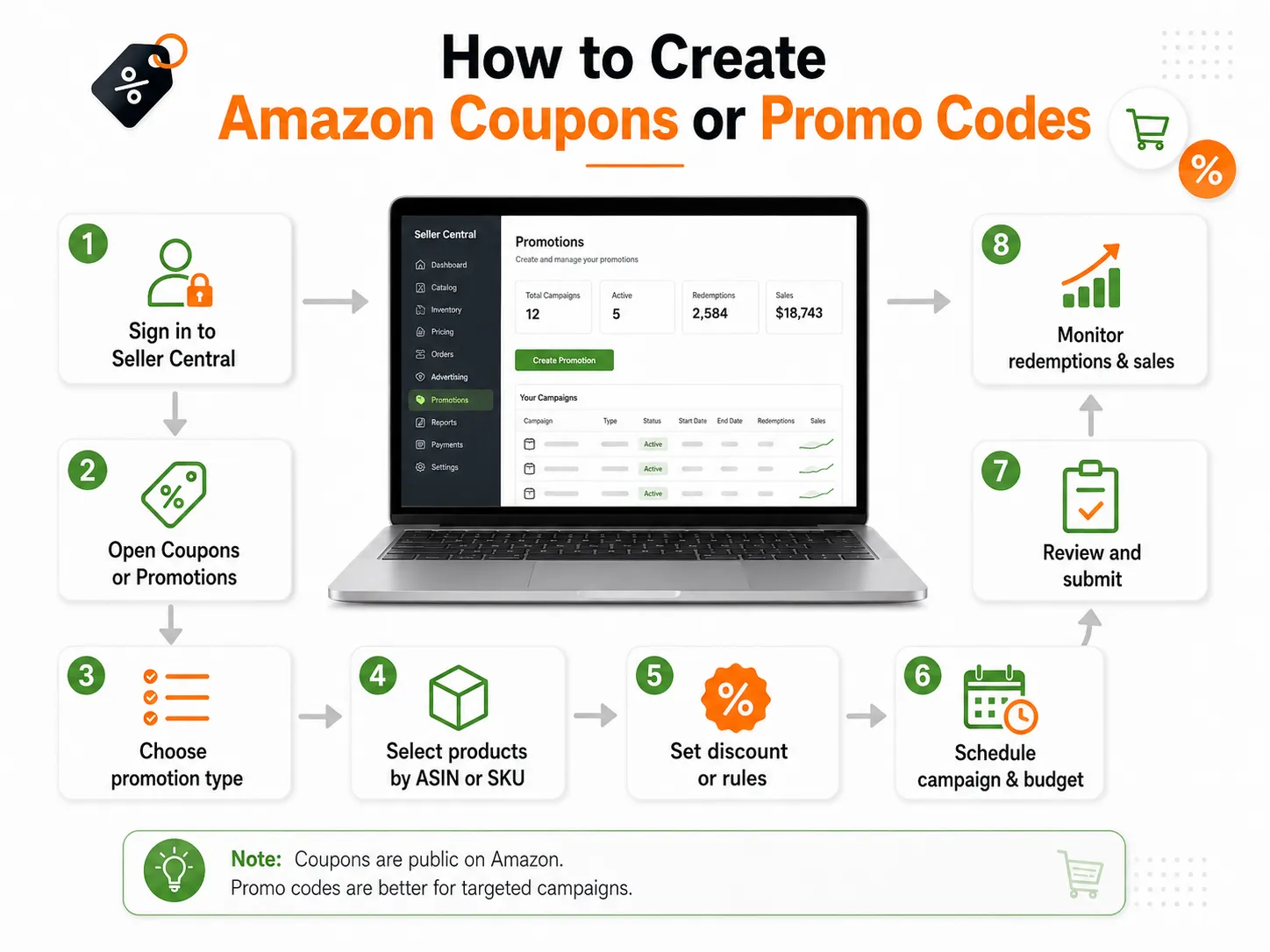
You can generate an Amazon coupon code only if you have an eligible Amazon Seller Central account. Sellers create coupon campaigns or promotional claim codes by using Amazon's built-in Promotions Tool or Coupons Dashboard.
Simply follow these steps:
- Sign in to Amazon Seller Central.
- Open the Advertising or Promotions section.
- Choose the type of promotion you want to create.
- Select eligible products using their ASIN or SKU.
- Set the discount amount or promotion rules.
- Define your campaign schedule and coupon budget.
- Submit the campaign for Amazon's approval.
- Monitor performance and adjust future campaigns.
Which Promotion Should You Choose?
- Choose Amazon Coupons if your goal is to increase visibility directly on Amazon.
- Choose Promotional Claim Codes if you want to offer exclusive discounts to a specific audience.
- Choose Single-Use Promo Codes when every customer should receive a unique code.
- Choose Social Media Promo Codes if you're driving traffic from Instagram, Facebook, or TikTok.
- Choose BOGO or Percentage-Off Promotions for increasing average order value.
Who Can Generate Amazon Coupon Codes?
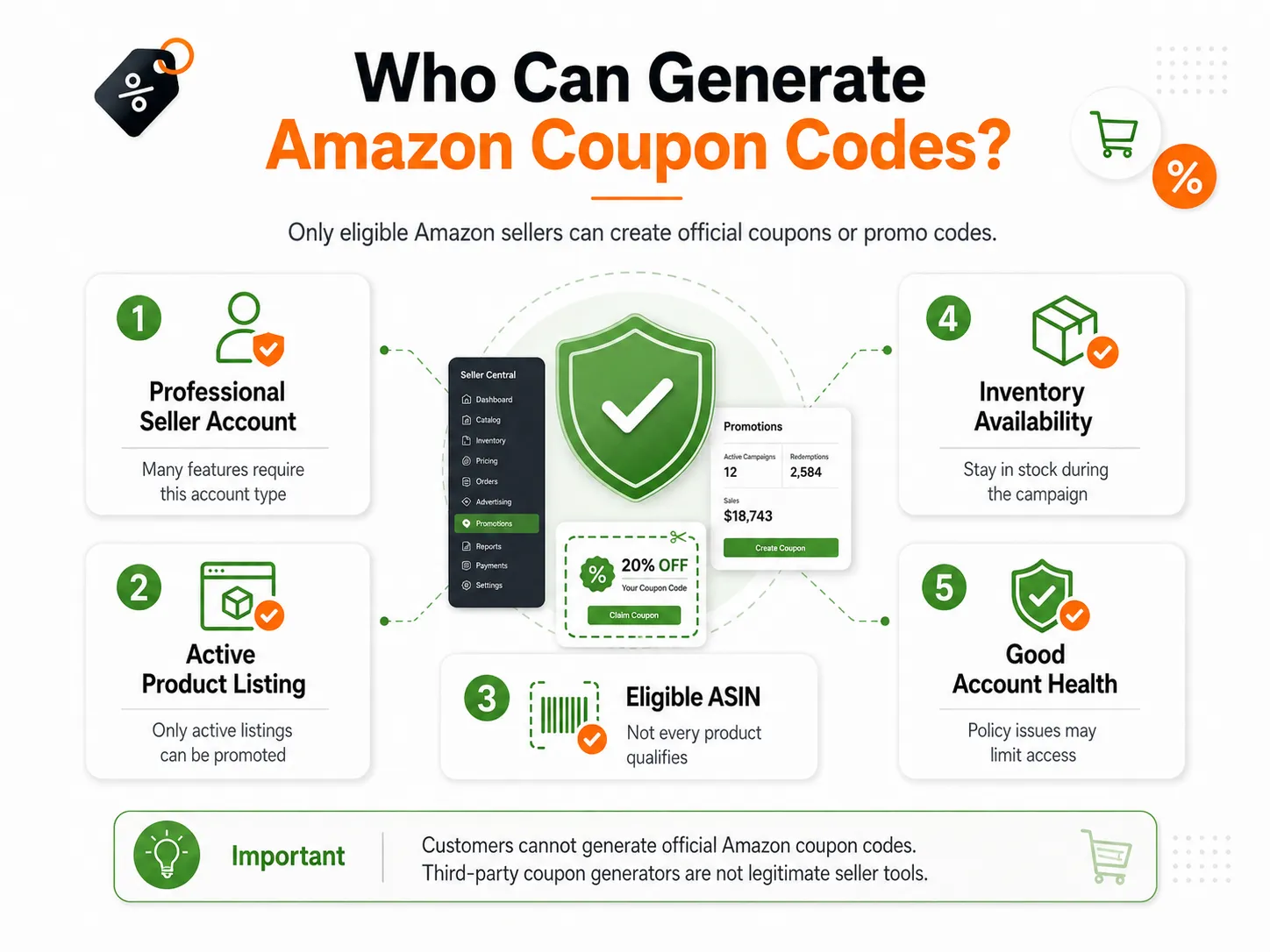
Only eligible Amazon sellers can generate official Amazon coupon codes.
Eligible users typically include:
- Professional Amazon sellers
- Brand owners enrolled in Amazon Brand Registry
- Businesses selling through Amazon Marketplace
- Sellers with active and eligible product listings
Common Mistakes While Creating Amazon Coupon Codes
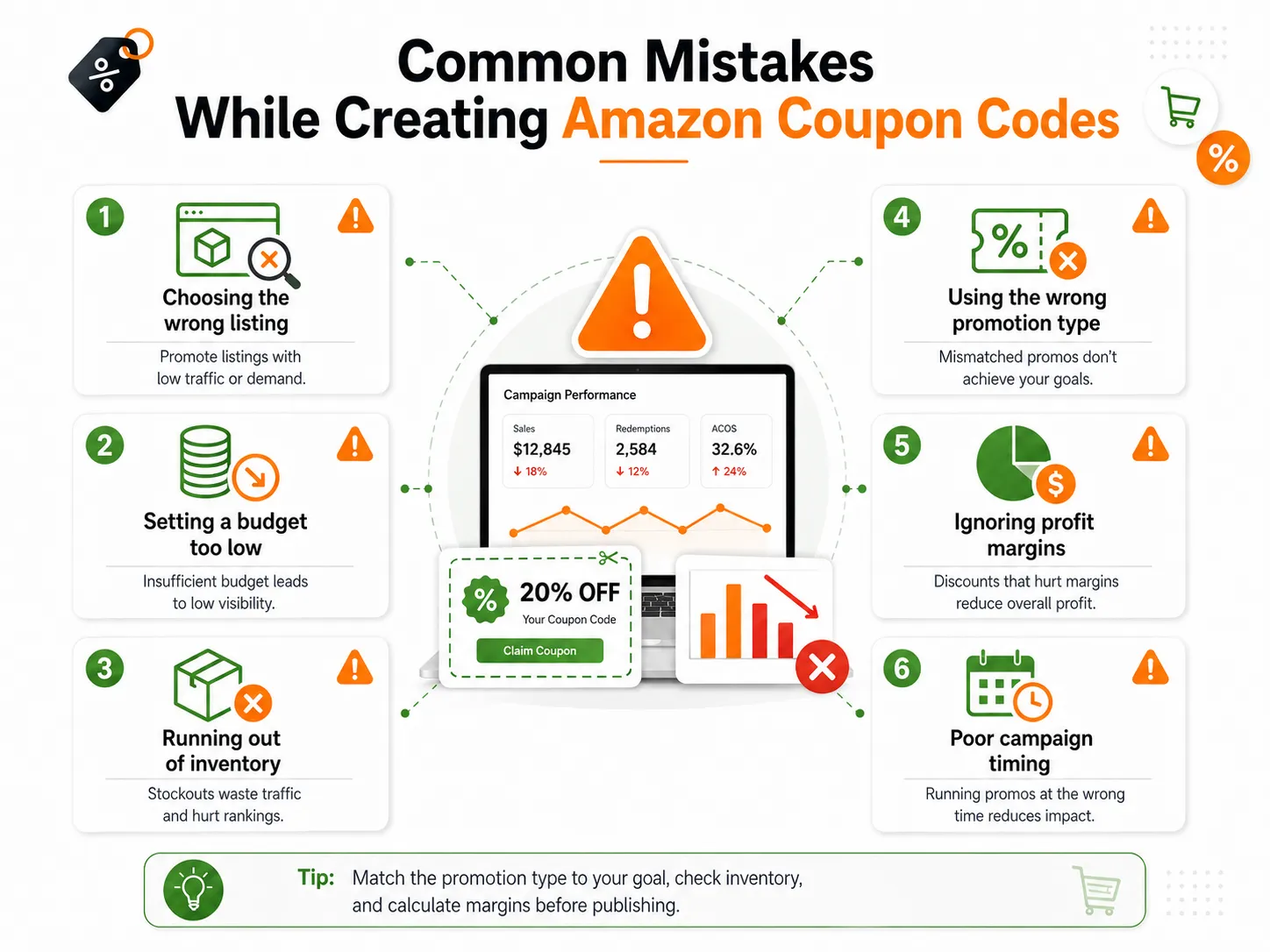
- Applying a discount to the wrong listing.
- Not estimating budget correctly.
- Launching a promotion without enough inventory.
- Calculating margins incorrectly.
Conclusion
Learning how to generate Amazon coupon code is about understanding Amazon's promotional tools. The most successful campaigns begin with clear goals, accurate product selection using the correct ASIN and SKU, and ongoing performance analysis.
FAQs
Eligible sellers generate Amazon coupon codes through Amazon Seller Central by creating a coupon campaign or promotional claim code.
No. Only eligible sellers can create official Amazon coupon codes.
Amazon Coupons are visible on eligible product pages, while Promotional Claim Codes are shared privately.
Yes. Always check the promotion details before purchasing.
The coupon may have expired, the item may no longer qualify, or purchase conditions may not be met.

Noman
Content WriterNoman is a content writer at CouponsBeast, where he researches and writes about coupon codes, cashback deals, and money-saving strategies for online shoppers. He focuses on breaking down how discount codes work, testing offers before they're published, and helping readers avoid expired or invalid coupons. His writing covers deals across [categories — e.g., fashion, electronics, travel, groceries], with an emphasis on practical, easy-to-follow savings tips.
Comments 0
No comments yet. Be the first to share your thoughts!