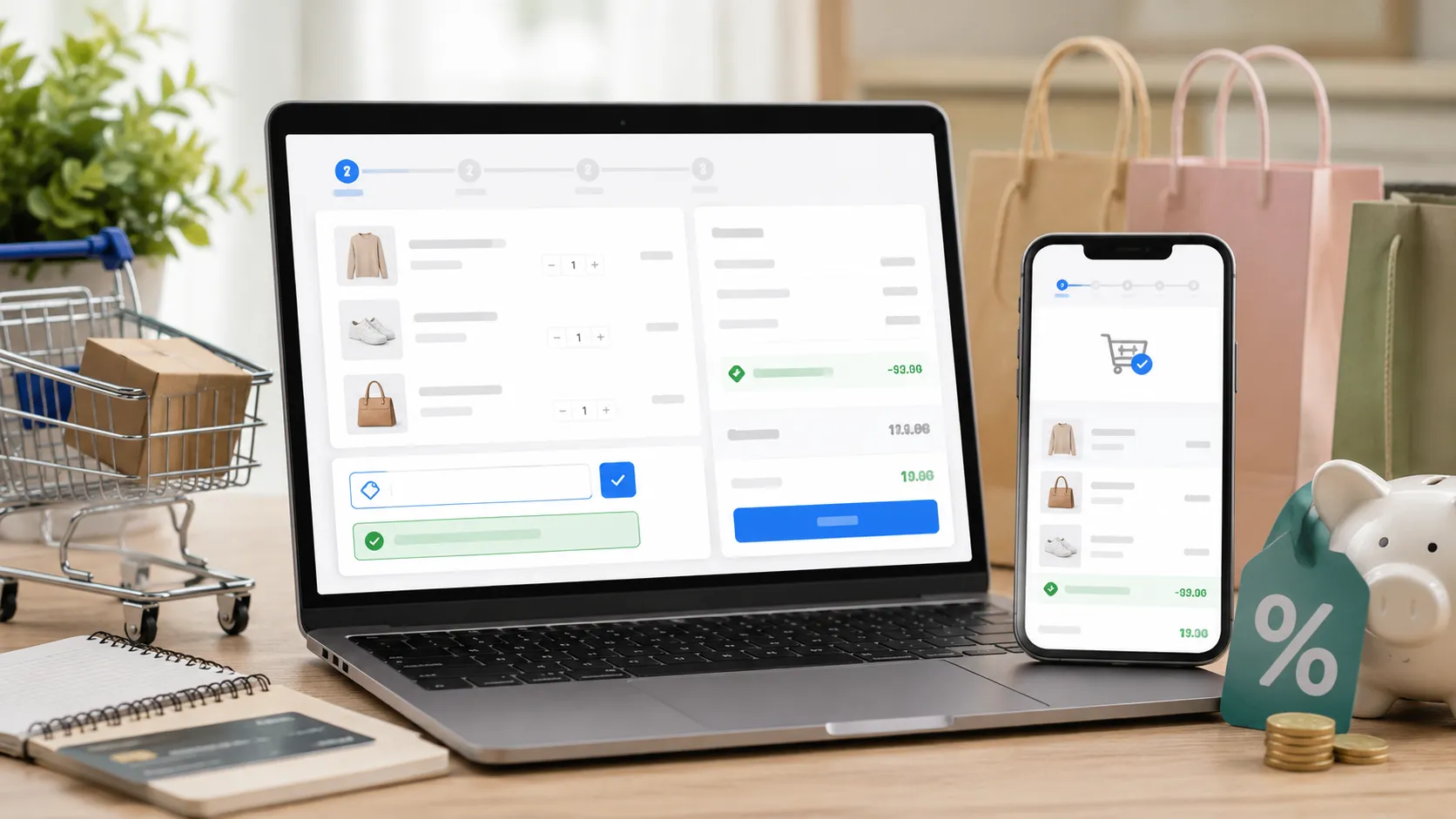
How Do You Use a Coupon Code? A Simple Step-by-Step Guide
To use a coupon code, add products to your cart, proceed to checkout, enter the coupon code in the promo code field, click Apply, and confirm that the discount appears before completing payment.
Most people use coupons when shopping online. Also, many people search for promo codes before they buy anything. So, it is worth knowing how it works. So yes, a lot of people are already saving money on every order. You can too.
Let's walk through exactly how to do it.
What Is a Coupon Code?
A coupon code is a short mix of letters or numbers. You enter it at checkout. If you use coupon code offers correctly, you can unlock discounts, free shipping, or special deals. See it like a digital coupon you used on paper before. Now everything happens online, so it saves money in a simple way. Stores call them different things. You'll see names like:
- Promo code
- Discount code
- Voucher code
- Offer code
All coupon codes work in a similar way. You type the code, click apply, and your price goes down. Simple. In fact, the most common type is percentage off, used in about 67% of deals. Next comes buy one get one free at 61%. Free shipping codes are also popular at 57%. Now, savings depend on what kind of code you use read the full guide to know more about what is coupons code.
How Do You Use a Coupon Code? Step-by-Step
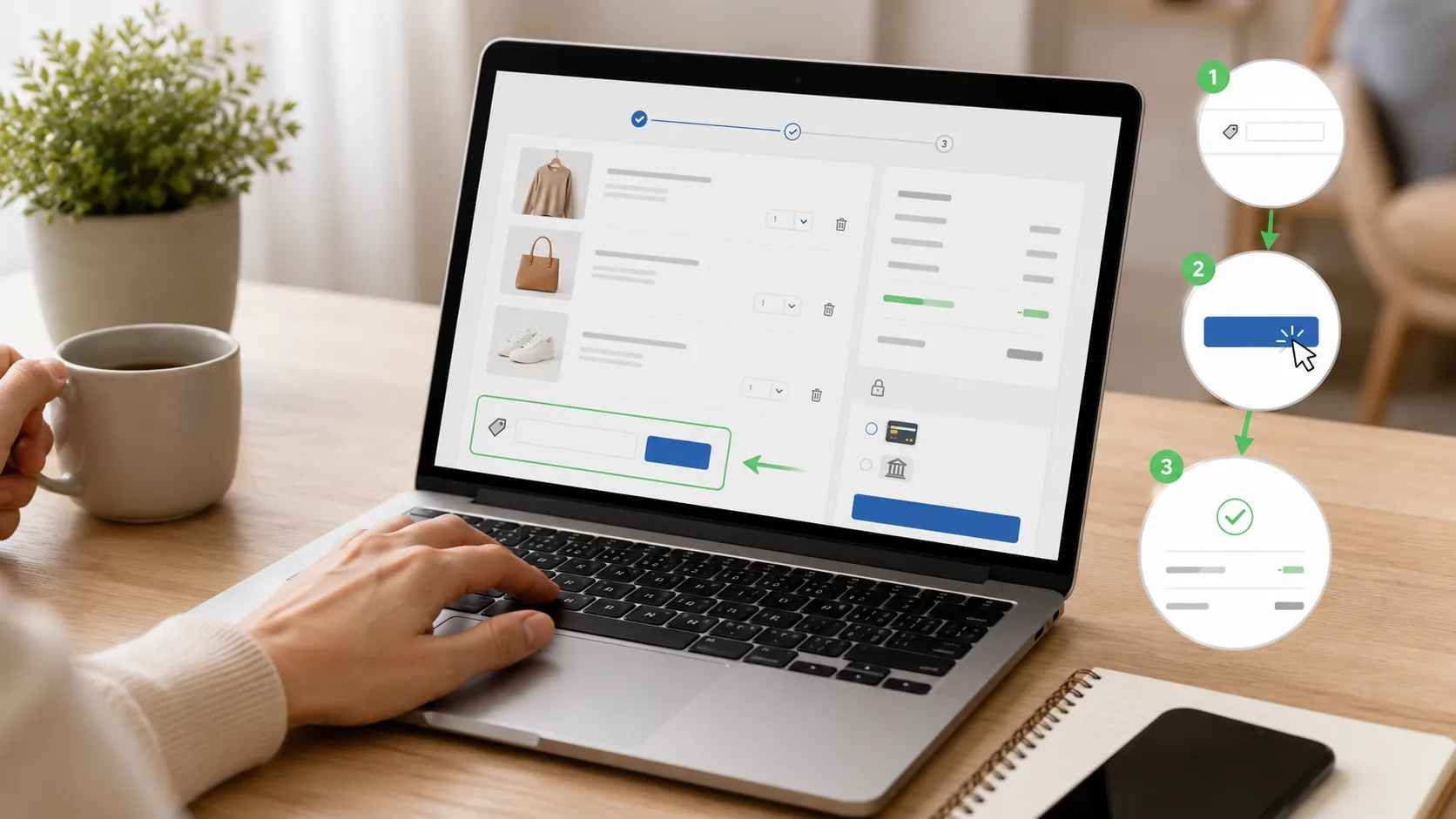
To use a coupon code, find a valid code, add your items to the cart, and proceed to checkout. Next, enter the code in the promo code or discount code field and click “Apply.” The discount will appear in your order summary. Once you confirm the savings, complete your purchase.
Here is the full process — from finding a code to completing your order.
Step 1: Find a Valid Code First
Don't head to checkout empty-handed. Grab your code before you start shopping. Brand emails and online search are the top discovery channels — used by 47% and 46% of shoppers respectively. Dedicated coupon sites are used by 34% of consumers, and 59% use Google specifically to search for discount codes.
Good places to look:
- Coupon and deals websites
- Brand newsletters in your inbox
- Brand social media pages
- Google search — type the store name followed by "promo code"
Always use verified sources. CouponsBeast keeps codes updated and tested. Yes, you get working deals when you reach checkout. See, no more wasting time on codes that fail.
Step 2: Add Items to Your Cart
Open the store. Pick your items. Add everything you want to your cart. Browse your favourite online store and add the desired products to your shopping cart before heading to checkout. Don't apply your code yet. Some stores only show the code box at the checkout stage — not on the cart page.
Step 3: Move to Checkout
Click on your cart icon. Hit the checkout button. Most stores take you through a short form — your name, address, and delivery details.
Step 4: Find the Coupon Code Box
Look for a field labelled "Coupon Code," "Promo Code," or "Discount Code." It usually sits near your order total or subtotal. On some sites, it's tucked under a small "Have a coupon?" link. Click it. A text box will appear.
Step 5: Enter the Coupon Code
If you enter coupon code details, make sure they match exactly as shown. Watch out for capitalisation and extra spaces — watch out for capitalisation and avoid extra spaces — to make sure it gets accepted. Here's a better move: copy and paste the code directly from the source. Manual typing leads to small errors that break the code.
Step 6: Click Apply
Click "Apply" after entering your code. Once you apply coupon code savings, your updated total should appear automatically. The discount will automatically show up in your total amount. Look at your order summary right after. A working code will add a new discount line and reduce your total. If nothing changes, the code doesn't apply.
Step 7: Confirm the Discount and Pay
Review your order to confirm the discount has been applied correctly. Then complete your purchase. Check the number. Make sure it matches what the code promised. Then enter your payment details and place your order.
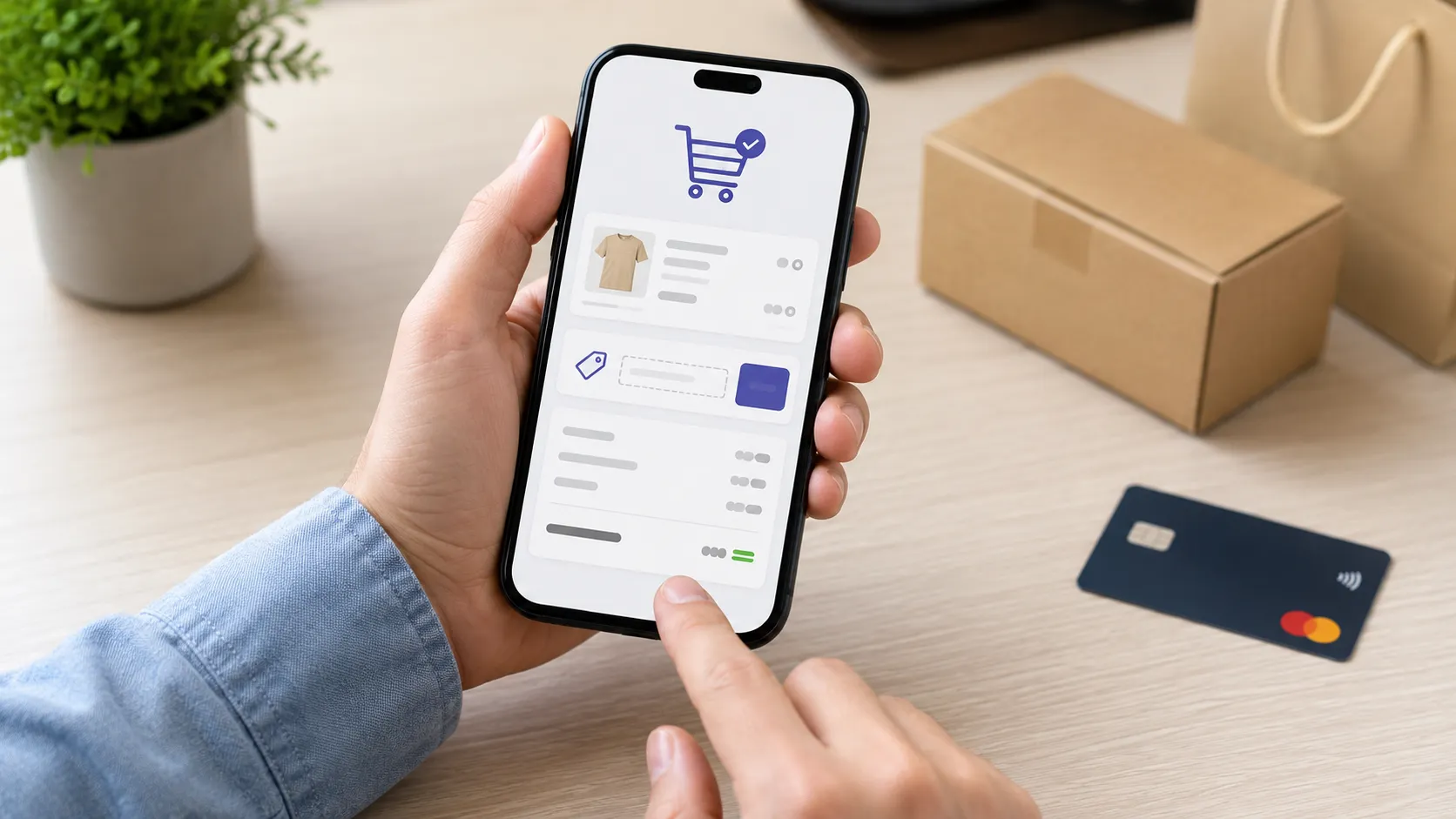
How Do You Apply a Coupon Code on Mobile?
On your phone:
- Open the store app or browser
- Add items to your cart
- Head to checkout
- Tap the coupon code field
- Paste your code
- Tap "Apply"
Done. Same steps, smaller screen. You can also use coupon code at checkout on mobile just as easily as on desktop.
Most stores have a mobile-friendly checkout with the same promo code box. You can copy and paste your code easily on any device. In recent years, 80% of all coupon redemptions were projected to happen on mobile devices. Stores know this, so they've made the mobile checkout very smooth.
What Types of Coupon Codes Are Out There?
Not every code saves you in the same way. Here is a simple breakdown.
| Coupon Type | What it means | Example |
|---|---|---|
| Percentage Off | Takes a % off your total | "SAVE20" = 20% off |
| Fixed Amount Off | Removes a set amount from bill | $10 off orders over $50 |
| Free Shipping | Removes delivery cost | No shipping fee at checkout |
| Buy One Get One (BOGO) | Buy one, get one free or cheaper | 1 shirt = 2nd free |
| First Order Discount | Only for new users | 10% off first purchase |
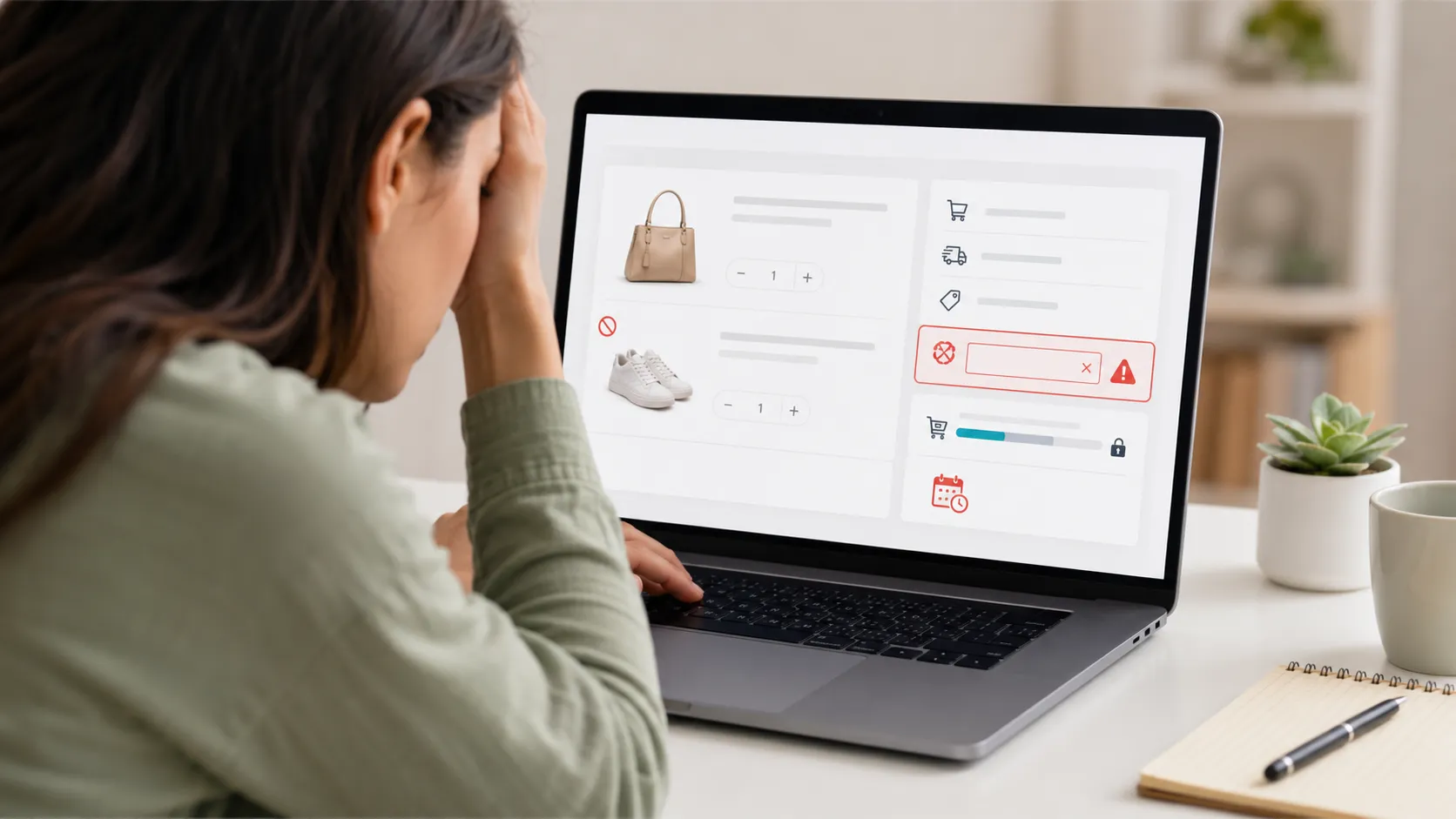
Why Isn't Your Coupon Code Working?
A coupon code may not work because it has expired, does not meet eligibility requirements, is restricted to specific products, or contains an entry error.
Here are the most common reasons — and the quick fixes.
The Code Has Expired
Many coupons come with specific start and end dates. Coupon codes stop working after a certain date. Once that time passes, you cannot use them. So, always check the expiry before you try. Also, many codes you find on forums or old websites are already expired. In fact, up to 60% of them do not work anymore. Stick to updated, verified platforms.
Your Cart Doesn't Meet the Minimum Spend
You need to reach a set order total before some codes work. If your order is below that limit, the code will not apply. Add another item or check if the store has a code without a minimum spend.
The Code Is Restricted to Certain Products
Some codes only work on specific categories or items. Some coupons only work on specific items. So, you can’t use them on everything in your cart. Read the code details before you build your cart around it.
You Already Used It
Many coupon codes are designed for one-time use only. The same code cannot be reused by the same user in future orders. Check your email history to see if you applied it before.
You're Not Logged In
Some codes are only valid for registered users. Log in to your account first, then try applying the code again. Guest checkout sometimes blocks code redemption.

Where Can You Find Coupon Codes That Actually Work?
- Dedicated coupon sites — Platforms like CouponsBeast list verified codes across hundreds of stores. New codes go up regularly, and expired ones get removed fast. It's one of the most reliable ways to find a working code before checkout.
- Brand email newsletters — Sign up to your favourite store's mailing list. Around 80% of shoppers subscribe to promotional emails specifically to access digital coupons. Brands often send their best deals to subscribers first.
- Google search — Type the store name and add "promo code" or "discount code" at the end. 59% of shoppers use Google specifically to search for coupon codes. Add the current year for more accurate results.
- Brand social media — Follow your favourite stores on Instagram, Facebook, or X. Many brands drop exclusive codes directly on their social pages.
- Loyalty programmes — Join the store's rewards club. Many brands give members access to exclusive discount codes unavailable to regular visitors.
How to Apply a Coupon Code on Popular Stores?
Add your items to the cart, proceed to checkout, enter the coupon code in the designated promo code field, and click “Apply” to activate the discount. While the location of the coupon box may vary by retailer, the redemption process remains largely the same.
- Amazon — On some product pages, you'll see a "Clip coupon" checkbox. At checkout, look for the "Gift cards & promotional codes" box below your order summary.
- Walmart — At checkout, look for "Promo code" on the right side of the screen near your subtotal.
- Target — Move to the payment step and tap "Add a promo code" to open the code field.
- eBay — At checkout, click "Apply a coupon" below your order summary.
- ASOS — Find the promo code box on the bag or cart page before you even hit checkout.
The layout changes. The process never does. Find the box, paste your code, click apply.
Pros and Cons of Using Coupon Codes
| Pros | Cons |
|---|---|
| Reduces purchase cost | Some codes expire quickly |
| Free shipping opportunities | Restrictions may apply |
| Exclusive member discounts | Usually cannot combine codes |
| Easy to use at checkout | Some codes work only once |
Smart Tips to Save More Every Time
Now you know how to use coupon codes. Most importantly, a few simple habits can help you save more on every order.
- Search before every purchase. A quick Google check before you pay can save you money. So, do it every time before checkout. It can lower your total in seconds.
- Copy, never type. Always paste codes from the original source. One wrong character breaks the whole thing.
- Read the terms first. Every code has conditions. Knowing them upfront saves you from a failed checkout.
- Check the expiry date. The code from last month might already be dead. Always confirm it's still active.
- Use verified platforms. If a code fails, start with a 30-second typo check, then check eligibility rules, and try a clean browser — those steps solve most promo code problems fast.
FAQs
Why is my coupon code invalid?
A coupon code may be invalid because it has expired, contains a typo, has usage restrictions, or does not apply to the products in your cart.
Why does a promo code work for one person but not another?
Some promo codes are account-specific, location-based, or limited to new customers. Eligibility rules determine who can redeem the offer.
Can browser cookies affect coupon codes?
In some cases, cookies can affect account recognition or promotional tracking. Clearing cookies or using a different browser may resolve coupon-related issues.
Why do coupon codes stop working suddenly?
Coupon codes may stop working after reaching redemption limits, expiring, or being withdrawn by the retailer.
Do coupon websites verify their codes?
Many reputable coupon websites test and update codes regularly, but verification practices vary by platform.
Where do I enter a coupon code when shopping online?
Go to checkout. Find the box that says “Coupon Code,” “Promo Code,” or “Discount Code” near your total. Paste your code there. Then click “Apply".
Can I use a coupon code on my phone?
Open the store in your browser or app. Go to checkout. Find the promo code box. Paste your code. Tap “Apply”. After that, the process stays the same as on the desktop.
Why is my coupon code not working?
Codes stop working for simple reasons. It may be expired. It may have a typo. It may need a minimum spend. Or it may not apply to your item. So, check the rules first. Then try a new verified code from a trusted site.
Can I use more than one coupon code at once?
Most stores allow only one code per order. You should check the store's policy first. Sometimes you can combine a code with an existing sale or free delivery offer.
Where can I find coupon codes that actually work?
Use trusted coupon sites that update codes often. Search “promo code” on Google or sign up for store emails. After that, check expiry before you use the code.

Noman
Content WriterNoman is a content writer at CouponsBeast, where he researches and writes about coupon codes, cashback deals, and money-saving strategies for online shoppers. He focuses on breaking down how discount codes work, testing offers before they're published, and helping readers avoid expired or invalid coupons. His writing covers deals across [categories — e.g., fashion, electronics, travel, groceries], with an emphasis on practical, easy-to-follow savings tips.
Comments 0
No comments yet. Be the first to share your thoughts!