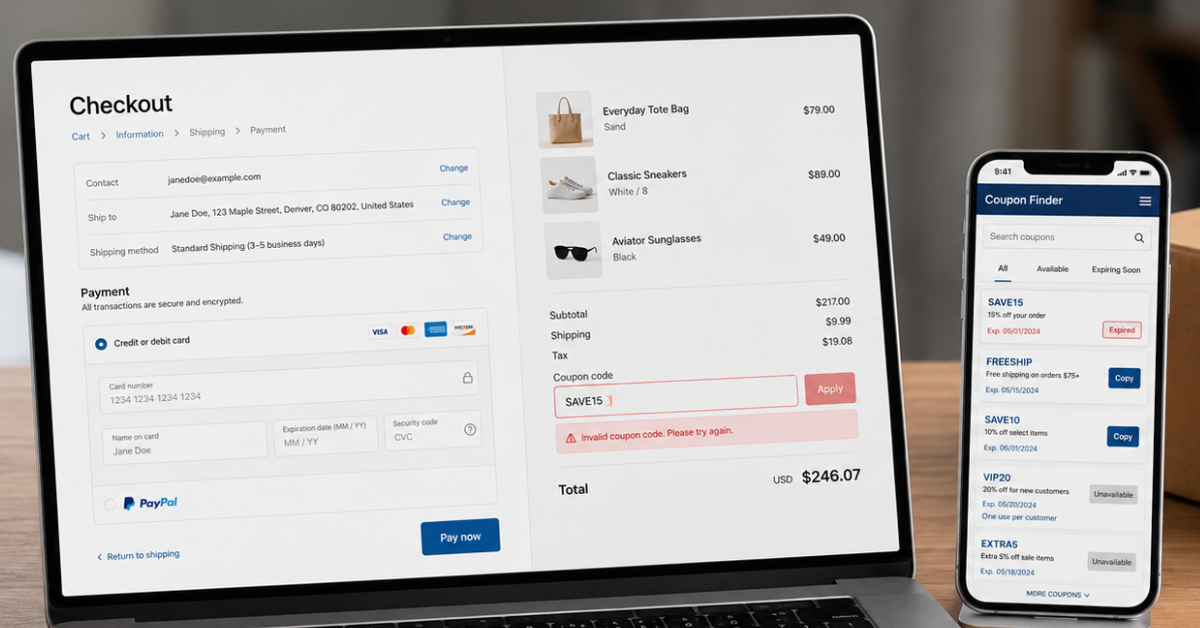
Coupon codes usually do not work because they are expired, restricted, limited to specific customers, unavailable for certain products, or blocked by retailer checkout rules. In many cases, the code itself is active, but your order does not meet the promotion requirements.
This guide explains why coupon codes never work, the most common reasons behind failed discounts, and the exact steps you can take to fix the problem.
Why Coupon Codes Never Work
You find a discount online, add products to your cart, and enter the code at checkout. Instead of saving money, you see messages like:
- “Invalid coupon code”
- “This promotion is not available”
- “This code cannot be applied to your order”
- “Offer expired”
This situation is extremely common because retailers create coupon rules that are often hidden in the fine print. The good news is that most coupon problems are easy to identify once you understand how promotional systems work.
The Main Reasons Coupon Codes Do Not Work
Before giving up on a discount, check:
- Is the code expired?
- Does your cart qualify?
- Are products excluded?
- Is the offer limited to certain customers?
- Are you using the correct website region?
- Are other discounts preventing it from applying?
A few quick checks can often turn an “invalid coupon code” message into real savings. For shoppers who want to understand promotions, discount strategies, and online savings methods, exploring trusted blogs about coupons can provide useful guidance beyond just finding individual codes.
Quick Coupon Code Troubleshooting Checklist
Use this checklist when a coupon code does not work:
| Problem | What to Check | Solution |
|---|---|---|
| Expired coupon | Promotion date | Find a newer offer |
| Minimum spend issue | Cart total | Add qualifying items |
| Product restrictions | Excluded products | Remove restricted items |
| Customer limitation | Account eligibility | Check if offer is for you |
| Region restriction | Website location | Use the correct country store |
| Previous use | Redemption history | Try another available offer |
| Typing mistake | Code format | Copy and paste again |
| Coupon stacking issue | Other discounts | Remove extra promotions |
| Browser problem | Cookies/session | Try private browsing |
| Usage limit reached | Promotion availability | Search for another code |
1. The Coupon Code Has Expired
The most common reason a coupon code fails is that the promotion has already ended.
Retailers create coupons with specific start and expiration dates. However, expired codes often remain visible on search engines, social media posts, forums, and outdated coupon pages.
For example, a customer may find a “20% off” code through a Google search, but the retailer ended the campaign weeks ago. The code still appears online, but the checkout system no longer recognizes it.
Why expired coupon codes happen:
- Limited-time promotions ended
- Seasonal sales finished
- Flash deals reached their deadline
- Retailers removed the offer early
- Third-party websites did not update their listings
Simple Steps to Resolve It
Start by checking the coupon’s expiration date and confirming that the promotion is still active. Whenever possible, visit the retailer’s official website to see whether the offer is still listed. You should also look for recently verified promotions rather than relying on an old search result or social media post. If the coupon has expired, the simplest solution is to try a newer active offer from the same retailer.
2. Your Cart Does Not Meet the Coupon Requirements
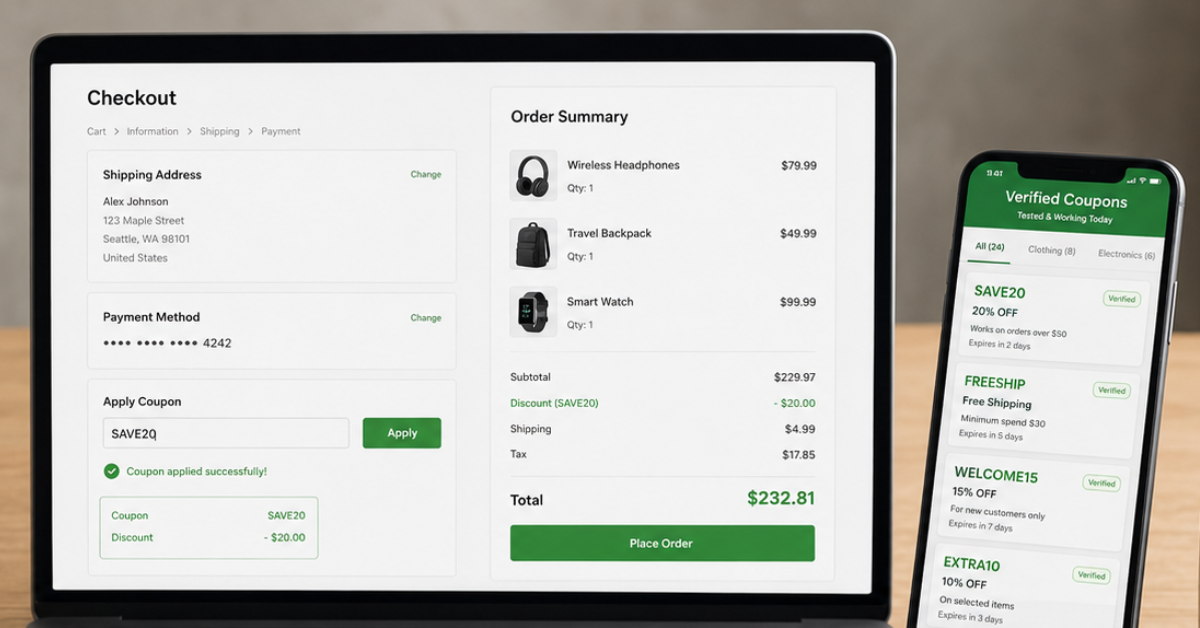
A coupon code may be completely valid but still fail because your cart does not qualify.
Retailers create eligibility rules to control when discounts can be used. These rules are usually displayed in the promotion terms and conditions.
Common requirements include:
Minimum Purchase Amount
Many coupons require customers to spend a specific amount before receiving a discount.
Example:
A store offers:
“Save $20 on orders over $100”
If your cart total is $85, the code will not apply.
Product Restrictions
Some items may not qualify for promotions, including:
- Gift cards
- Clearance products
- Limited-edition items
- Certain brands
- Subscription products
- Already discounted products
A “sitewide discount” does not always mean every item qualifies.
Customer Restrictions
Some offers are only available for:
- New customers
- Newsletter subscribers
- Loyalty members
- App users
- Specific customer groups
The Best Way to Fix It
Review the promotion terms and compare them with the items in your cart. Make sure your order reaches the required minimum purchase amount and check whether any products, brands, gift cards, subscriptions, or sale items are excluded. You can temporarily remove restricted products or add qualifying items if you are close to the minimum spending requirement. Once your cart meets all the conditions, enter the code again.
3. The Coupon Code Is Only Available to Certain Customers
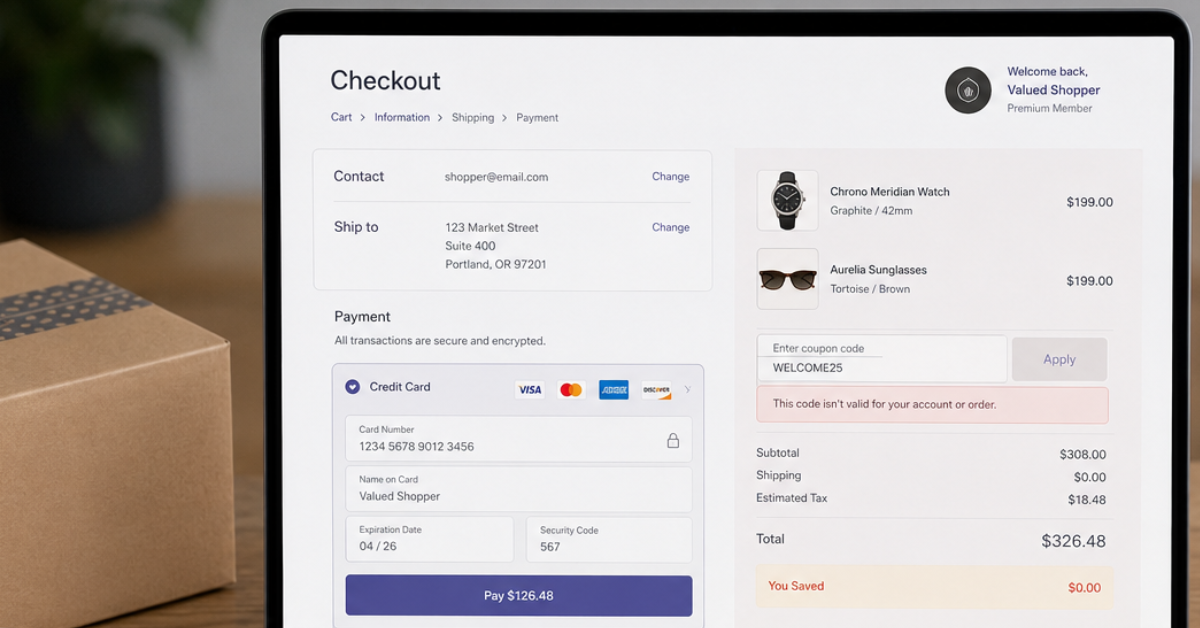
Some coupon codes are personalized and will not work for everyone.
Retailers increasingly use customer data to create targeted promotions. Two shoppers visiting the same website may see different offers because their accounts have different purchase histories.
A discount code may be connected to:
- A specific email address
- A customer account
- A loyalty membership
- A first purchase
- An abandoned cart campaign
- A mobile application account
For example, a retailer may send a customer a “15% off your next order” email after they leave items in their cart. That code may work only for that person. This explains why a coupon code can work for your friend but fail when you try it.
Steps to Get the Coupon Working
Log in to your own customer account before applying the code, as the promotion may be linked to your email address, purchase history, or membership status. Check your inbox for a personal discount sent by the retailer, especially if you recently abandoned a cart or joined a loyalty program. You can also subscribe to the retailer’s newsletter to receive eligible offers. If the code belongs to another customer, look for a public promotion that is available to everyone.
4. You Are Using the Wrong Country or Regional Website
Coupon codes often depend on location.
Retailers create different promotions for different markets because pricing, inventory, taxes, and marketing campaigns vary by country.
A coupon created for the US website may not work on the Canadian, UK, or Australian version of the same store.
Regional restrictions can happen because of:
- IP location
- Shipping address
- Account country
- Currency settings
- Store version
For example, a discount code available on a US retailer website may fail if you are shopping through the company’s international store.
What to Check Next
Check that you are shopping on the correct regional version of the retailer’s website and that your account, shipping address, and selected currency match that region. A code created for the US store, for example, may not work on the UK, Canadian, or international store. You should also disable any VPN before trying again, as it may cause the retailer’s checkout system to detect a conflicting location.
5. You Have Already Used the Coupon Code
Many coupon codes are limited to one use per customer.
A code may stop working if:
- You previously used it
- You cancelled a previous order after applying it
- The retailer recorded the redemption
- The promotion reached its usage limit
Some retailers also create coupons with a maximum number of total uses.
Example:
A company releases: “First 1,000 customers receive 25% off”
Once those 1,000 redemptions happen, the coupon becomes inactive even if the listed expiration date has not arrived.
How to Get the Code Working
Review your previous orders to see whether you have already redeemed the coupon. Some retailers count a code as used even when the original order was later cancelled. If the promotion is limited to one use per customer or has reached its overall redemption limit, you will need to choose another available offer. Check for a newer promotion, newsletter discount, loyalty reward, or another deal that you genuinely qualify to use.
6. The Coupon Code Has a Typing or Formatting Error
A coupon code may fail because the code was entered incorrectly. Even a small mistake, such as an extra space or a wrong character, can cause the retailer’s checkout system to reject it.
Coupon codes are usually checked exactly as they are stored in the retailer’s system. This means the following mistakes can make a valid code appear invalid:
- Typing a letter instead of a number
- Confusing “0” with “O”
- Adding spaces before or after the code
- Using incorrect capitalization
- Missing a character
- Copying an incomplete code
For example, a code like: SAVE20OFF may fail if entered as: SAVE20OFF1 or SAVE 20OFF because the checkout system does not recognize it as the correct promotion.
A Quick Solution
Copy the coupon directly from the original source instead of typing it manually. Before pasting it into the checkout box, make sure there are no spaces before or after the code and check for confusing characters such as the number zero and the letter O. You should also confirm that no letters or numbers are missing. If the code still appears invalid, refresh the checkout page and paste it again. This simple step often resolves formatting-related errors.
7. The Retailer Does Not Allow Coupon Stacking
Coupon stacking means using multiple discounts on the same order. Many shoppers assume they can combine several promotional codes, but most retailers allow only one coupon per transaction.
A coupon code may fail because another discount has already been applied.
Common conflicts include:
- Two promotional codes entered together
- Automatic sale discounts
- Free shipping codes
- Loyalty rewards
- Employee discounts
- Referral offers
For example, a store may allow either:
- 20% off with a promo code
or:
- Free shipping with another offer
but not both at the same time.
What You Can Do?
Remove any other coupon codes or promotional offers currently applied to your order, and then enter the code again. If the retailer only allows one promotion per transaction, compare the available discounts and keep the one that gives you the lowest final price. It is also worth checking whether loyalty points, cashback, or rewards can be used separately, since these may still work even when two promo codes cannot be combined.
8. An Automatic Discount Is Already Applied
Sometimes coupon codes fail because the retailer has already applied another promotion automatically.
Many modern ecommerce websites use automatic discount systems that recognize eligible customers and products without requiring a coupon.
Examples include:
- Holiday sales
- Member pricing
- Bundle discounts
- First-order discounts
- Cart-based promotions
When an automatic discount is active, the checkout system may block additional coupon codes.
For example:
A product is already reduced by 30% during a seasonal sale. When you enter a 20% coupon code, the website may reject it because the item is already part of another promotion.
How to fix it?
Look at your order summary to see whether a sale price, bundle offer, member discount, or another automatic promotion has already been applied. If the checkout allows you to remove the automatic discount, compare both offers before deciding which one to use. You should also check whether the coupon only applies to full-price products. In some cases, the automatic discount may already provide better savings than the coupon you are trying to enter.
9. The Coupon Requires a Specific Payment Method
Some coupon codes only work when customers use a specific payment option.
Retailers often partner with payment providers to create exclusive promotions.
Examples include:
- Credit card discounts
- Digital wallet promotions
- Buy-now-pay-later offers
- Store credit rewards
A promotion may say:
“Save $15 when you pay with a qualifying card.”
If you choose another payment method, the coupon may not activate.
How to Avoid this Issue
Read the coupon terms carefully to find out whether the promotion requires a particular credit card, digital wallet, store card, or buy-now-pay-later service. Select the qualifying payment method during checkout and check whether the discount appears before completing your purchase. If your payment option does not meet the requirement, the code will not activate even when every other condition has been met.
10. Your Browser or Checkout Session Is Causing Problems
Sometimes a coupon code is valid, but technical issues prevent it from applying correctly.
Retail websites use cookies, browser sessions, and tracking systems to manage shopping activity. Old session data or checkout errors can interfere with promotions.
Common technical causes include:
- Expired browser cookies
- Cached checkout pages
- Website glitches
- Login errors
- Multiple open shopping sessions
What to Try at Checkout
Refresh the checkout page and try entering the code again. If that does not work, log out of your account, close any duplicate shopping tabs, and sign back in. You can also clear your browser’s cache and cookies or open the retailer’s website in a private browsing window. Trying another browser or device may also solve the problem if an old session or temporary website error is blocking the promotion.
11. The Coupon Has Reached Its Redemption Limit
Some coupon codes are limited by the number of people who can use them.
A promotion may appear active but stop working after reaching its maximum usage limit.
Examples:
- First 500 customers receive 30% off
- First 1,000 app users receive free shipping
- Limited weekend promotion
Once the limit is reached, the retailer’s system automatically disables the code.
The Easiest Way to Solve It
Your best option is to search for another active coupon or check the retailer’s official sale page for a replacement offer. Subscribing to promotional emails or app notifications can also help you discover limited offers earlier, before all available redemptions are claimed.
12. The Coupon Source Is Outdated or Unreliable
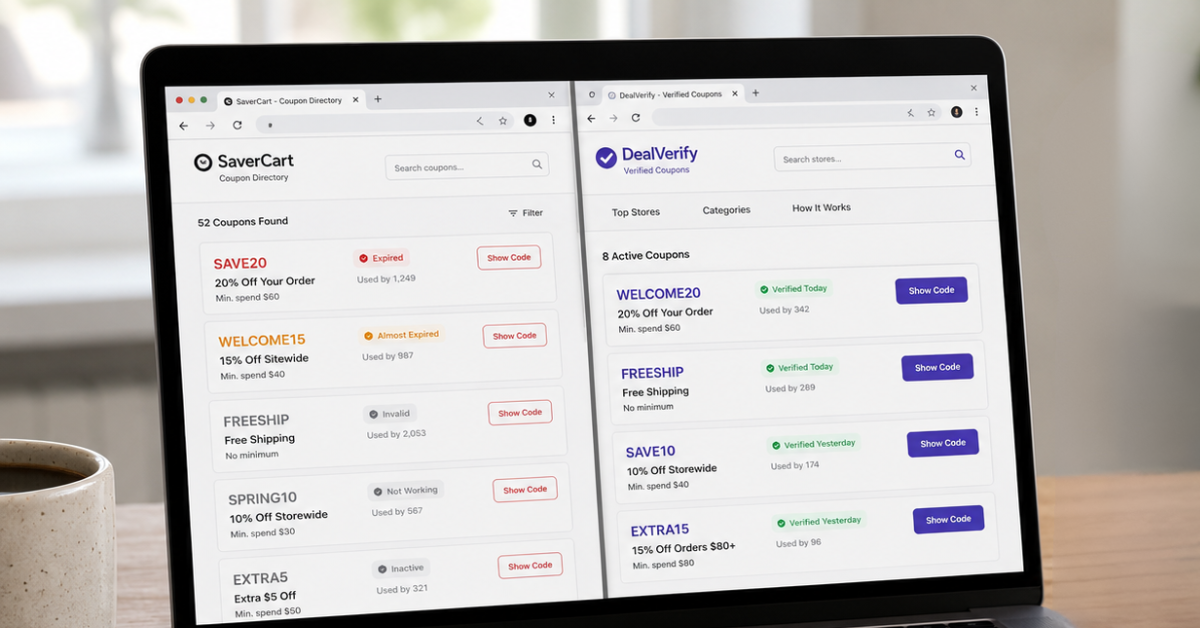
Not every coupon website verifies whether codes still work.
Some websites automatically collect promotional codes from other sources without checking:
- Whether the code is active
- Whether the offer expired
- Whether restrictions changed
- Whether customers can actually use it
This creates a frustrating experience where shoppers spend time testing multiple invalid codes.
Quick Steps to Try
Check when the coupon page was last updated and look for information about verification dates, expiration details, retailer restrictions, and shopper feedback. Avoid spending too much time testing codes copied from old forums, social posts, or pages that do not confirm whether their offers are still active. You should always compare the listed promotion with the retailer’s official terms before relying on it at checkout.
Platforms such as Couponbeast focus on helping shoppers discover available promotions, but shoppers should always review the final terms directly from the retailer.
Conclusion
Coupon codes usually fail because they are expired, restricted, personalized, limited by usage rules, unavailable for certain products, or blocked by retailer checkout conditions. The solution is not simply trying random codes. The best approach is understanding how promotions work, checking eligibility rules, and using reliable coupon sources. Moreover, Coupon websites that publish verified coupons often explain what is a coupon code? and show clear verification dates, eligibility requirements, expiration information, and retailer-specific restrictions.
FAQs
Why is my coupon code invalid?
A coupon code may be invalid because it has expired, reached its usage limit, or does not match the retailer’s requirements. Check the expiration date, minimum purchase rules, product restrictions, and account eligibility before trying again.
Why does a coupon code work for someone else but not me?
A coupon code may work for another person because it is personalized. Some promotions are linked to specific accounts, locations, loyalty levels, or customer behaviors.
Why do coupon codes stop working suddenly?
Coupon codes can stop working when a retailer ends the promotion, reaches the redemption limit, changes the terms, or removes the offer.
Can browser cookies affect coupon codes?
Yes. Browser cookies and cached sessions can sometimes interfere with checkout systems. Clearing cookies or trying a private browser window may solve temporary problems.
Can I use two coupon codes at the same time?
Most retailers allow only one promotional code per order. Some stores allow coupon stacking, but this depends on the retailer’s specific policy.
Why does my coupon code work in the app but not on the website?
Some promotions are app-exclusive and only activate when customers shop through the retailer’s mobile application.
Why does my coupon code not work for sale items?
Many retailers exclude already discounted products from additional promotions. Check the coupon terms to see whether sale items are eligible.
What should I do if a valid coupon code still does not apply?
Try refreshing checkout, logging into your account, checking the promotion rules, removing conflicting discounts, and contacting the retailer’s support team if the problem continues.

Noman
Content WriterNoman Ghaffar is the CEO of CouponsBeast, a leading platform for online deals and discounts. He has extensive experience in digital marketing and e-commerce. Under his leadership, the company has grown rapidly, helping users save money through smart deals. His vision is to make online shopping more affordable and accessible for everyone
Comments 0
No comments yet. Be the first to share your thoughts!